Your organization answers. Instantly.
Ask TappIQ gives you cited answers from your real platform data - grants, compliance, finance, people, and more. Voice input, smart KB citations, branching conversations, pinned context, and write tool approval. The AI assistant built for how nonprofits actually operate.
Real answers from real data
Ask TappIQ doesn't guess or hallucinate. It calls the same platform tools that your AI agents use - both read and write. For queries, it retrieves actual data and synthesizes a grounded answer. For actions, it shows you what it plans to do and waits for your approval. Every response includes source attribution.
From question to answer in seconds
Ask a question in plain English
Type your question in the dedicated Ask TappIQ page, the dashboard widget, or toggle to Ask TappIQ mode in the Cmd+K search palette. No special syntax, no query language - just ask like you would ask a colleague.
AI retrieves data from your platform
Ask TappIQ identifies which data domains are relevant and calls the appropriate tools - compliance credentials, grant pipeline, financial data, employee records, website health, and more. You see progress indicators as each data source is queried.
Get a grounded, cited answer
The AI synthesizes data from multiple sources into a clear, readable answer. Source badges show which data domains contributed. Internal links let you click through to referenced items for full details.
Continue the conversation
Ask follow-up questions to drill deeper. Ask TappIQ remembers the conversation context, so you can say “show me more details on the first one” or “which of those expire in the next 30 days?” without repeating yourself.
Ask about anything in your platform
Ask TappIQ has read access to seven data domains covering every major area of your organization's operations.
Available everywhere
Ask TappIQ meets you where you already are. Use the global slide-out panel from any page, the dashboard hero input for quick questions, the dedicated page for in-depth conversations, or the Cmd+K palette for instant access.
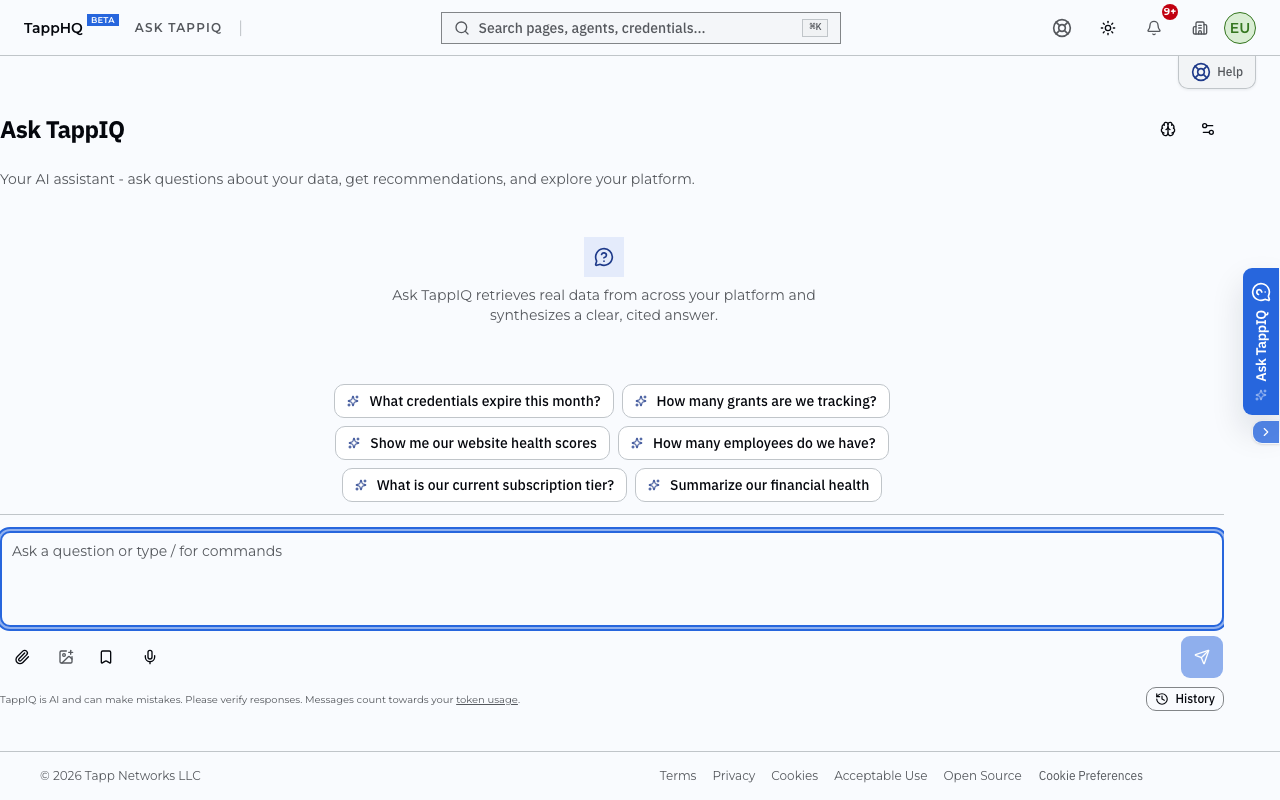
Full Page + Write Tools
Full-screen conversational interface with streaming responses, source attribution, and write tool approval. Pro+ users can ask the assistant to generate documents, create records, and draft content - with inline approval before execution.
- Streaming responses with real-time tool progress
- Write tool approval cards for 18 action types
- Source badges and click-through links to referenced items
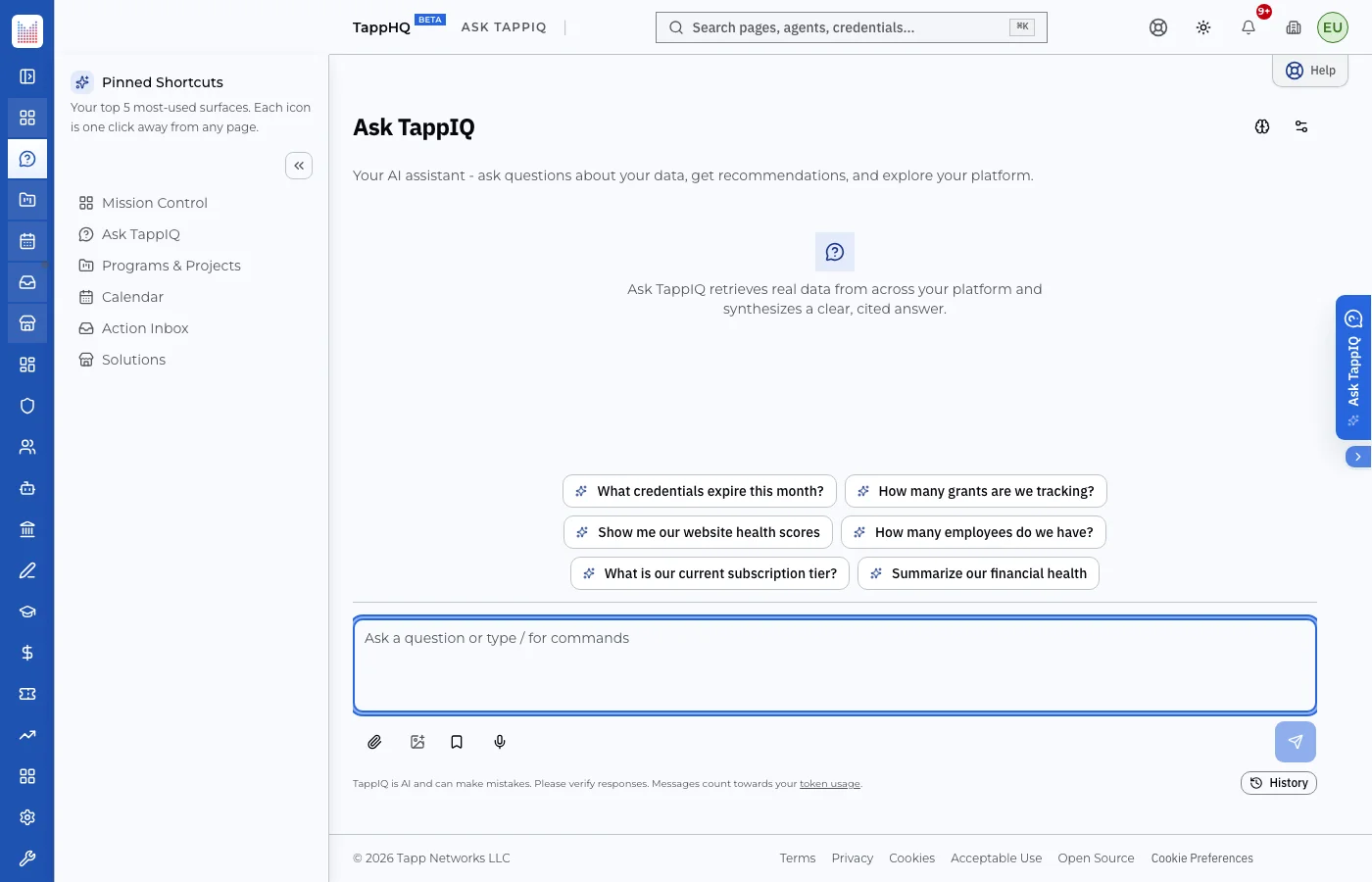
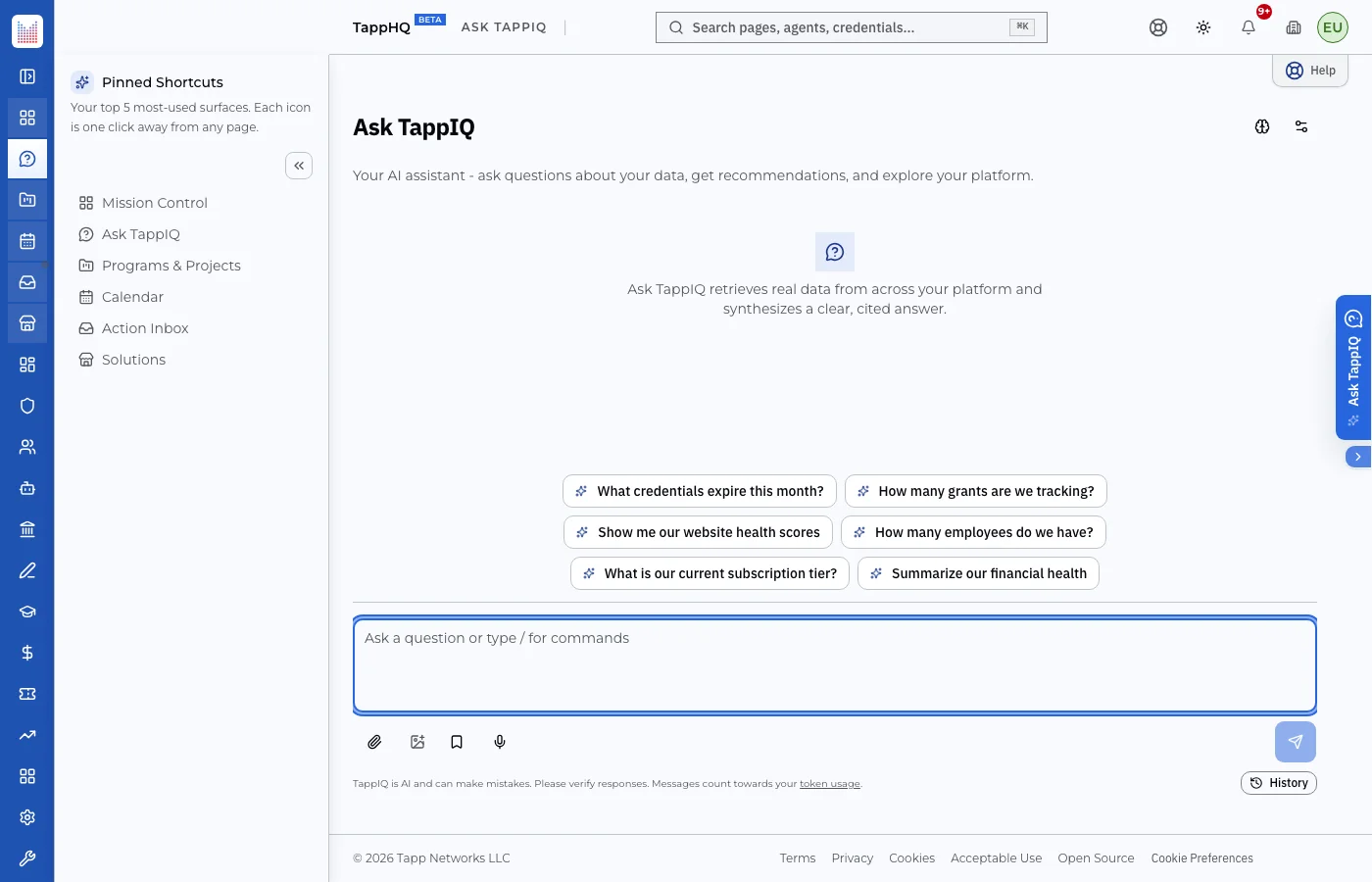
Global Slide-Out Panel
A floating trigger button on every page opens a slide-out panel. Ask questions without leaving your current context. The assistant auto-detects your location (e.g., ComplianceHQ, GrantsHQ) and narrows answers to the relevant domain.
- Available from every dashboard page
- Context auto-detection from current route
- Manual context override dropdown
Search Palette (Cmd+K)
Toggle to Ask TappIQ mode in the Cmd+K search palette you already use every day. Type a question, press Enter, and you're immediately in a conversation. No new shortcut to learn - just a new mode in a familiar interface.
- Mode toggle: Search or Ask TappIQ
- Available on Pro and Enterprise plans
- Resets to Search mode on close
Try it free, add unlimited
Built for serious use
Voice input, smart citations, conversation branching, context pinning, and sharing - Ask TappIQ has the features your team expects from a professional AI assistant.
Take action through conversation
Pro and Enterprise users can ask the assistant to take action. Generate compliance documents, draft content, create records, and more - all with inline approval before anything executes.
Ask, approve, done
When you ask the assistant to take an action, it shows you exactly what it plans to do. You see the tool name, key parameters, and a clear description. Click Approve to execute, or Reject to decline - nothing happens without your say-so.
- Inline approval cards show what will happen before it does
- 18 write tools across compliance, grants, content, people, org profile, and more
- Every action goes through existing audit logging and credit tracking
Ask TappIQ respects your data.
Every prompt passes through a nine-layer AI trust boundary before the model sees it, and every response passes through output screening before it reaches you.
Knows your organization. Every conversation.
Ask TappIQ uses four dimensions of organizational memory to ground every response in your specific context - not generic nonprofit advice.
Manage memory at /settings/memory. Starter+ only. Free tier: memory disabled.
Stop searching. Start asking.
Your organization's data is already in TappHQ. Ask TappIQ makes it conversational. Sign up free and see what your data has to say.