See Your Network. Only What Each Organization Agreed to Share.
NetworkHQ gives a United Way, funder, association, fiscal sponsor, or referral partner one roster of the organizations in its network. Each organization chooses to connect, reviews the exact list of what will be shared before it agrees, and can detach later. A parent reads health scores as of a captured month, starting with the month the connection began.
Five kinds of parent organization
A parent organization is one that convenes, funds, or supports other nonprofits. NetworkHQ is granted per organization by the TappHQ team, so the roster reflects a real relationship rather than an open directory.
From grant to portfolio report
The TappHQ Team Enables NetworkHQ
A platform admin grants NetworkHQ to your organization and records which of the five parent types you are. The grant dialog shows the full list of what a parent in that position is able to see, and that list is the one every later screen uses.
Invite an Organization, or Share a Link
Send an emailed invitation to a specific organization, or publish one of several named links, each with its own destination, so a link handed to one grantee cohort can read differently from one shared at a conference. An emailed invitation can carry the same destination and a message in your own words. An organization that does not have a TappHQ account yet can create one right on the link's page and attach in the same step. Every route ends at the same consent screen.
The Organization Decides
Before anything is shared, the organization reads the exact seventeen items your view would include and agrees, or declines. The wording it agreed to is recorded with the relationship, so a later change to the list cannot be applied backwards.
The Roster Fills In
Each attached organization appears with its basics and its six score families. Scores are read as of a captured month rather than live, and the earliest month available to you is the one the connection started in. Tag organizations by region, cohort or program and filter the roster by those tags; tags are private to your network and stay on an organization after it leaves.
Report on the Portfolio
Monthly snapshots build the trend lines behind each score. Export the roster as a CSV, or produce a portfolio PDF for a board meeting or a funder update.
Invitations you can track
Every invitation, and where it stands
Invite an organization by link or by email from one place, then watch the ledger rather than your sent folder. Each invitation carries its own use count and expiry, so a link you shared with twenty organizations and one you sent to a single director are managed the same way.
- Link or email invitations from a single screen
- A destination and a personal message on every invitation, editable after sending
- Per-invitation use count and expiry date
- Resend or revoke any open invitation
- Revoked and expired invitations stay on the ledger
What gets shared, and what does not
An organization sees the full list first and agrees to it by name. Nothing on this page happens to an organization that has not.
Your name on the way in
Your logo and organization name appear on every link's landing page, on the invitations you send, and in the header of the reports you export. TappHQ is credited underneath as the platform, so an organization can tell who is asking and what it is being asked to join.
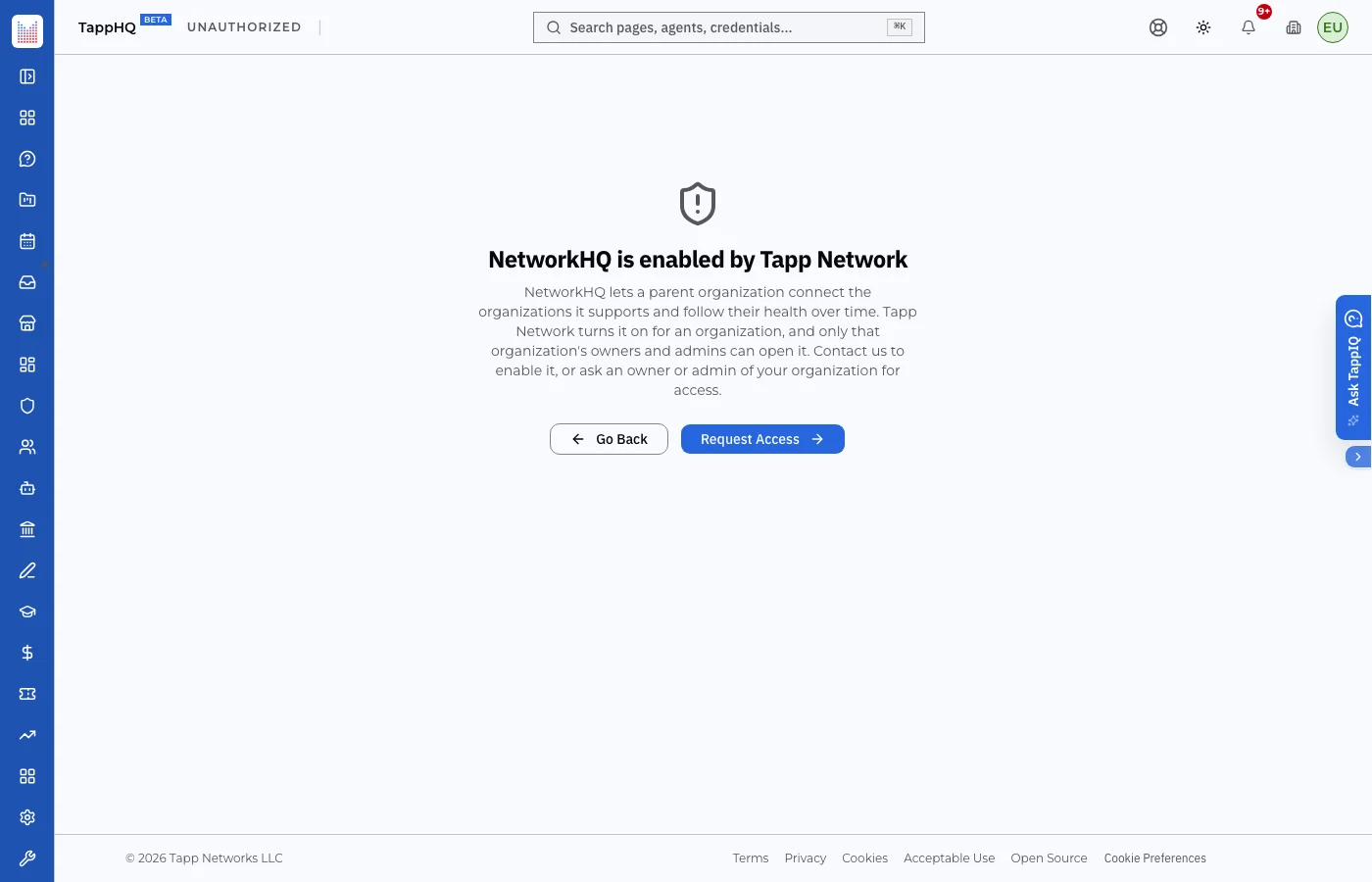
NetworkHQ is enabled by the TappHQ team
Tell us which organizations you convene, fund, or support, and we will set up the parent record and walk you through the first invitation.