Inbox items ranked across sources
Ask TappIQ's inbox.get_top_items tool ranks emails, form submissions, donations, and alerts in one stream so support can triage without switching systems.
Send requests to the Tapp Network team from inside TappHQ and track each one to resolution. Ticket access comes with a support plan, and the Support page shows your plan, your hours and your newest tickets. On Pro and above, a ticket can also get an AI-suggested solution.
Open Tickets, then Submit Ticket. Write a subject and a description and set a priority. The request goes to the Tapp Network team.
Each ticket moves through stages you can follow on the ticket page, and the Support page flags tickets that are waiting on you.
Read the full conversation and reply from the ticket. When the work is done the ticket is complete, and the history stays on the page.
The Tickets page lists your organization's tickets with their stage and priority. Open one to read the whole conversation, reply, and see where it stands in the pipeline.
The Support page shows your current plan, a ten-cell ledger of hours used this month, your five newest tickets and the next plan up. Larger jobs can draw on an Expert Hours Bank.
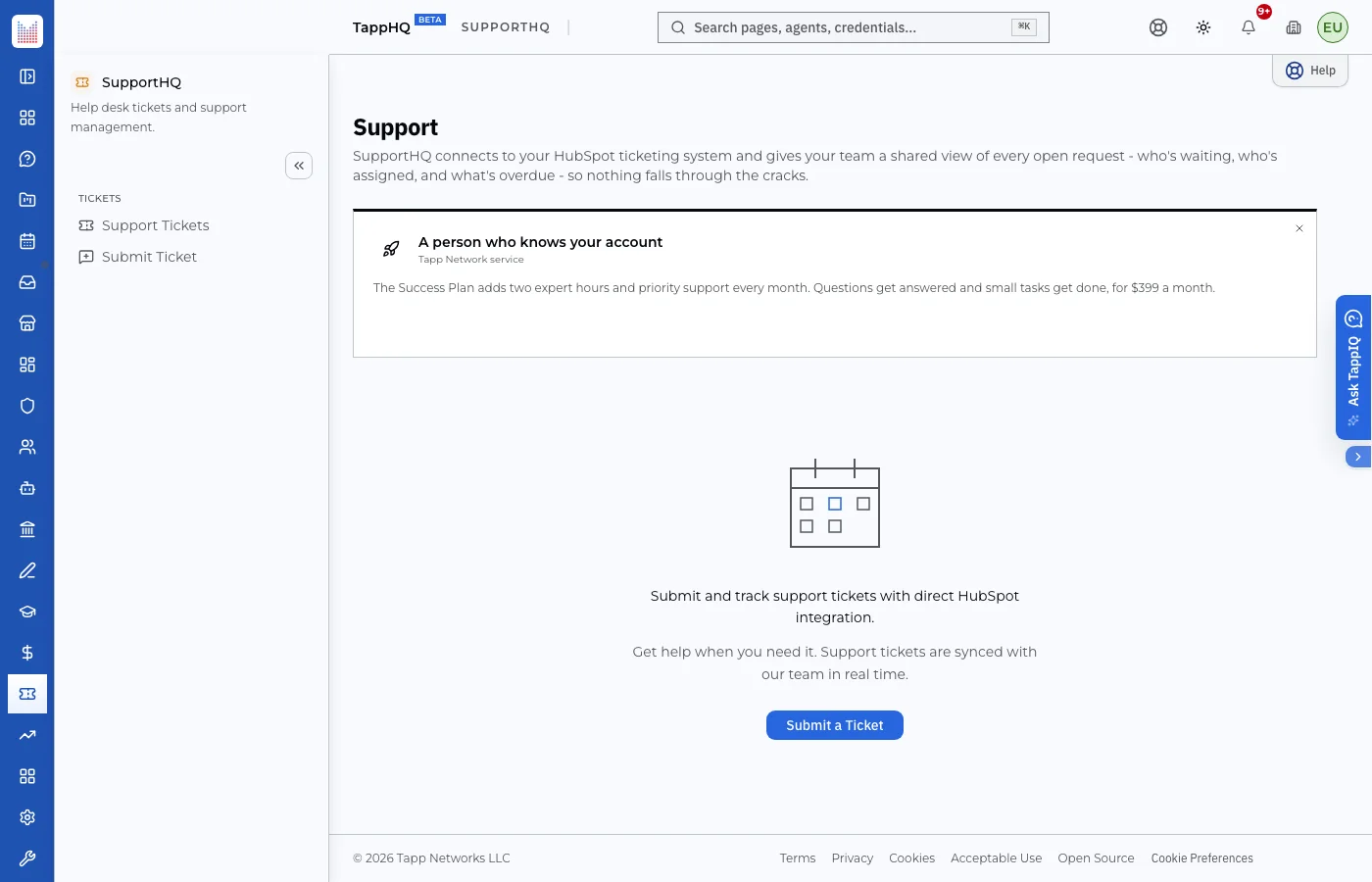
Any organization can add a monthly support plan in the app, including on the Free tier. Unused hours reset each month; larger jobs can draw on an Expert Hours Bank.
Every HQ shares its data, its proactive alerts, and its agents with the rest of the platform. Here are three concrete ways this one works with the others.
Ask TappIQ's inbox.get_top_items tool ranks emails, form submissions, donations, and alerts in one stream so support can triage without switching systems.
Form submissions feed the forms widgets and the dashboard, and can trigger GrowthHQ sequences or PeopleHQ outreach based on submission content.
Every HQ page maps to kb_articles via page-context-map, so Ask TappIQ answers help requests with the article the user is already looking at — cross-module, in-context.
Support tickets with the Tapp Network team come with a support plan, from $599/mo ($499/mo nonprofit). On Pro and above, each ticket can also get an AI-suggested solution.